On this page
A free grammar checker scans your text for grammar, spelling and punctuation errors and suggests a fix for each one. Paste your writing into an online grammar corrector, review the underlined mistakes, accept the corrections that fit, and you have cleaner text in a minute or two, without paying for a premium subscription.
If you searched for a grammar checker free of charge, you have more options than you might think. This guide explains how an AI grammar checker works, what it can and can't find, the most common grammar mistakes with examples, and the free options already built into the apps and browsers you use.
Key takeaways
- A grammar checker detects grammar, spelling, punctuation and word choice errors, and the better ones explain each correction so you learn the rule.
- Free options include online correctors, the built-in checks in Google Docs and Microsoft Word, and the basic spell-checks in Chrome, Safari and Firefox.
- AI-powered checkers understand context, so they catch mistakes like "their" instead of "there" that basic spell-checks miss.
- No checker is perfect. Read each suggestion in context and ignore the ones that change your meaning or your tone.
- For important writing, run the check first, then do your own proofreading, out loud if you can.
What does an AI-powered grammar checker do?
A grammar checker is one of the most useful writing tools: it reads your text and identifies grammar issues and anything else that breaks the rules of English. Older software worked from fixed rules and dictionaries. Modern AI-powered correctors use language models that read the whole sentence, so they understand context and can tell when a real word is simply the wrong one.
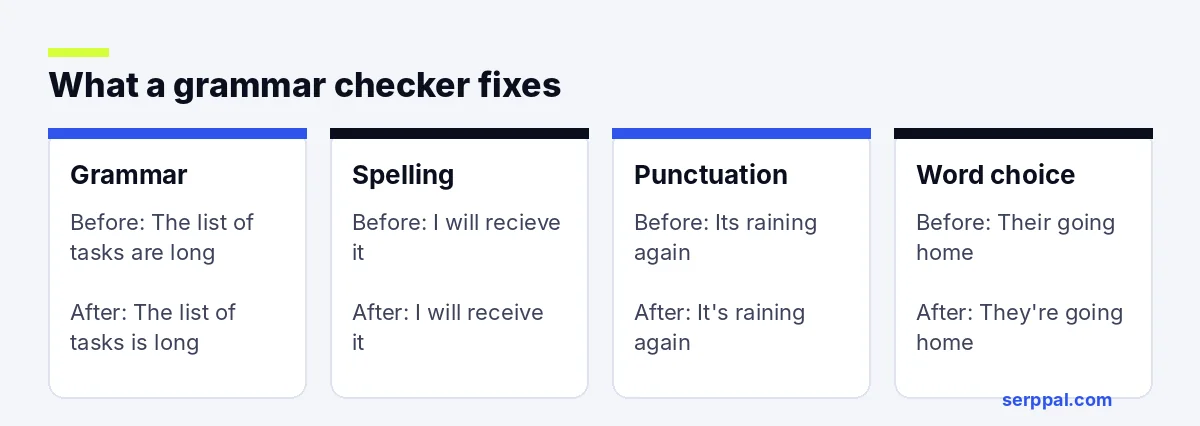
Most free options cover the same core checks:
| Check | What it finds | Example |
|---|---|---|
| Grammar | Subject-verb agreement, verb forms, order | "The list of tasks are long" becomes "The list of tasks is long" |
| Spelling | Typos and spelling mistakes, in American or British English | "recieve" becomes "receive" |
| Punctuation | Punctuation mistakes such as missing apostrophes, run-on sentences | "Its raining" becomes "It's raining" |
| Word choice | Real but misused terms | "affect the outcome" vs "effect the outcome" |
| Clarity | Wordy or unclear phrasing | "due to the fact that" becomes "because" |
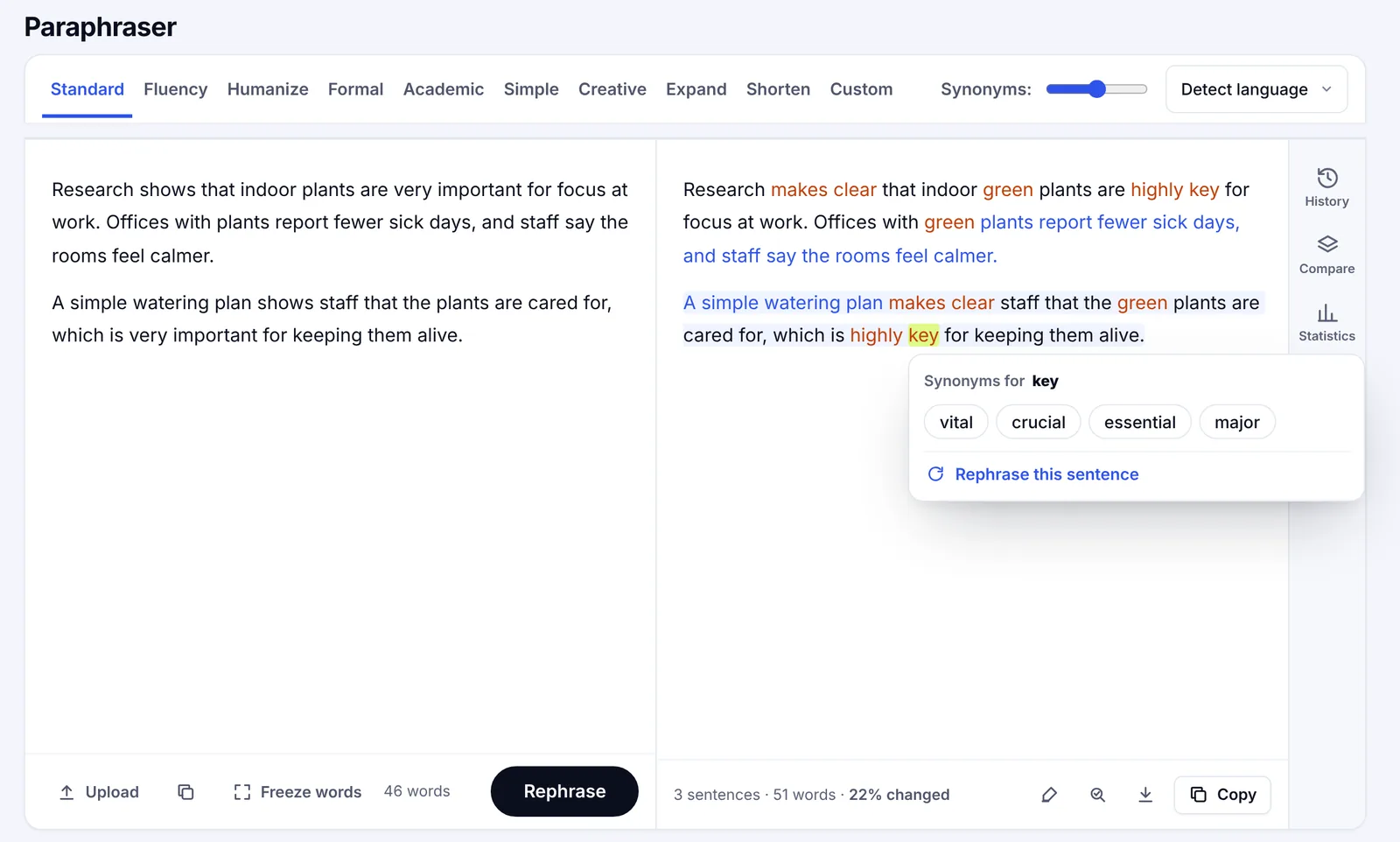
Many apps add style feedback on top: tone, readability, sentence structure, passive voice, synonyms for overused terms, even paraphrasing (a separate paraphrase feature) and options to rephrase a sentence to improve clarity. Some also check formatting and citations. Those features are optional. The core job is fixing grammatical errors.
How to check grammar for free online
The process is the same in almost any online grammar corrector:
- Paste your text into the box, or upload a document if the site supports it. Most free checkers handle a few thousand characters at a time, so split longer documents.
- Choose your English variant. American, British, Australian and New Zealand English spell some terms differently (color, colour), so pick the one your readers expect.
- Run the check and scan for writing feedback. The checker underlines each error and shows a suggestion.
- Review each suggestion. Read the explanation, then accept the correction or ignore it.
- Copy the corrected text back into your document, email or post.
Explanations, accept or reject
The best checkers don't just change your text. They show why. SerpPal's grammar checker works this way. It underlines each mistake, labels it as grammar, spelling, punctuation or word choice, explains the rule in plain language, and lets you accept or ignore each fix, or apply corrections all at once for error-free text. It's also multilingual and can integrate into a quick advanced writing workflow. Tick Suggest clearer wording and it also points out sentences that would read better shorter. It's available on the free plan and uses a small amount of your monthly AI allowance per check, and it works on other languages, such as Dutch or Portuguese, too.
Common English grammar mistakes a checker corrects
These are the mistakes that show up most often in emails, LinkedIn posts, school papers and web content.
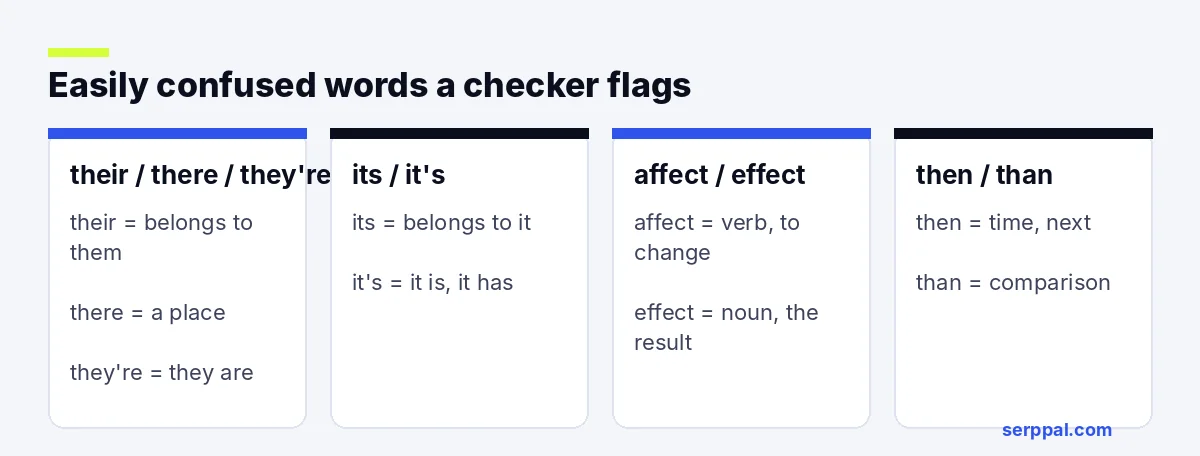
Their, there and they're
"Their" is possessive, "there" is a place, "they're" means "they are." Basic spell-checks won't flag any of them, because all three are real words. An AI checker reads the sentence and will catch "Their going to the meeting."
Its and it's
"It's" always means "it is" or "it has." "Its" is possessive. "The company changed it's logo" should be "its logo." This is one of the most tricky pairs for native speakers.
Subject-verb agreement
The verb has to match the subject, not the nearest noun. "The quality of the photos are poor" should be "The quality of the photos is poor," because the subject is "quality."
Comma splices and run-ons
Two complete sentences joined only by that punctuation mark form a splice: "I finished the report, I sent it to Sam." Fix it with a full stop, a semicolon, or a connecting term: "I finished the report, and I sent it to Sam."
Advanced punctuation: introductions and possessives
The pause after an introductory phrase ("After the meeting, we left") and the apostrophe in a possessive ("the client's file") are the punctuation fixes these apps make most often.
Capitalization and shifting verb forms
Lowercase proper nouns and paragraphs that jump between past and present are easy to miss in your own writing. A good corrector spots both.
Free grammar checks in browsers, apps and online
You may not need a separate app. Several free options are built into software and desktop apps you already use:
- Google Docs checks your text as you type. Open Tools, then Spelling and grammar, to review suggestions.
- Microsoft Word has a built-in Editor that flags spelling errors, grammar and some style issues. Press F7 to run a full check.
- Browsers like Chrome, Safari and Firefox underline misspelled words and misspelled terms in any text box on the web, including emails and forms.
- A browser extension can add grammar suggestions to Gmail, Slack, LinkedIn and other web applications. Check the privacy policy and what data the extension can read before you install it. A Chrome browser extension with integrations for the sites you use most fits into your workflow best.
Built-in checks are fine for grammar and spelling basics. An online AI grammar checker usually finds more context errors and explains its corrections, which helps when the writing matters: a job application, a client email in Gmail, a cover letter. Spelling mistakes in those cost more than in a chat.
Windows, Mac and the other places you write
An online checker runs in the browser, so it works the same on Windows, Mac, Chromebooks and phones. Desktop apps and browser add-ons bring the check to the places you already write, such as your inbox or chat app, while a web checker suits longer pieces you paste in once.
For students, educators and academic institutions
Many schools give students and learners access to writing software through their learning platforms, and teachers often encourage a grammar pass before submission. If you're a student, check what your school provides first; if you teach, a trusted checker that explains each correction helps students build English grammar skills instead of just accepting fixes.
What even the best grammar checkers miss
Even the best free grammar checker has limits:
- Meaning. It can tell you a sentence is grammatical, not whether it says what you meant.
- Facts and names. It won't know your client's name is spelled "Katelyn," or that a date is wrong.
- Voice and tone. Clarity suggestions can make writing more polished but also flatter. Ignore suggestions that don't sound like you, the writer.
- Specialist language. Legal, medical and technical terms, regional dialects and creative writing often break rules on purpose.
- Prompted AI text. A grammar checker won't tell you whether a paragraph written from a generative AI prompt sounds generic, and it isn't an AI detector. Paraphrasing a prompt's output doesn't fix that either.
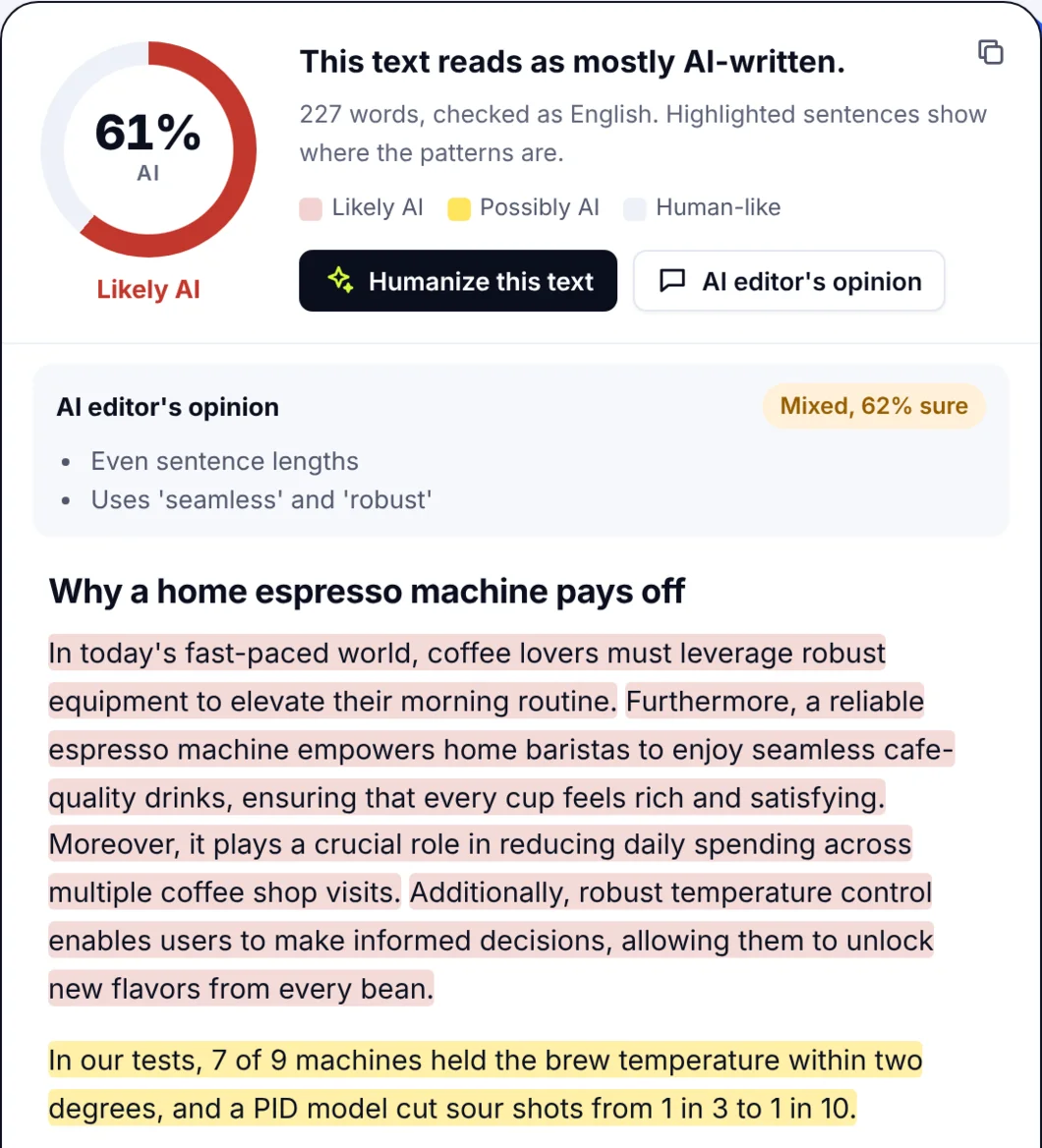 That's a different kind of feedback.
That's why proofreading still matters (even proofreaders proofread twice), and for high-stakes documents, professional proofreading is worth paying for. Run the grammar check first to fix the mechanical errors, then read the text once yourself, ideally out loud. You'll hear the sentences that don't work.
Style tips to write better, not just correctly
A corrector fixes errors. These habits improve the writing itself:
- Read the explanations. Each correction teaches you a rule and builds your writing skills, which is how you learn to write confidently without a checker. After a few weeks you'll repeat fewer of the same mistakes.
- Use the right writing tools for each job. Content creators and students need different things, but the order is the same: A grammar checker for correctness, a style guide for voice, your own proofreading for meaning.
- Shorten long sentences. If a sentence needs three pauses, it probably wants to be two sentences. A readability checker shows which ones to split and helps you enhance clarity and enhance the flow, which will enhance how your readers experience the piece.
- Watch repetition. Content creators often lean on the same few terms. A word counter shows your most-used ones.
- Get feedback on the whole piece. For school papers, run the grammar pass first, then use an essay grader for structure and argument.
If you write for the web, SerpPal also has an AI writer and free writing tools for readability, keyword density and more.
Frequently asked questions
Is there a completely free grammar checker?
Yes. Google Docs, Microsoft Word and most browsers include free spelling and grammar checks, and many online checkers have a free tier, with a premium version for extra features. SerpPal's grammar checker is available on the free plan, with each check using a small part of the monthly AI allowance.
How accurate is a free AI grammar checker?
AI-powered checkers catch most spelling, punctuation and common grammatical errors, including context mistakes like "their" and "there." Where an AI checker excels is correct grammar and mechanics, including verb tense and agreement; it's less reliable on meaning, specialist terms, typography and creative writing, so review each suggestion before you accept it.
Can a grammar checker fix punctuation?
Yes. Checkers flag missing or misplaced commas, apostrophes, full stops and splices, and the better ones explain why each change is needed.
Does a grammar checker work for British English?
Most do. Choose British or American English before you check, so spelling suggestions match your readers (colour vs color, organise vs organize). Grammar rules are mostly the same in both.
Is using a grammar checker allowed for school work?
Usually, yes. Most schools treat grammar checks like a dictionary. Generating content with AI is a different matter, so check your school's policy if you use other AI tools.